Printer Alignment Test Page
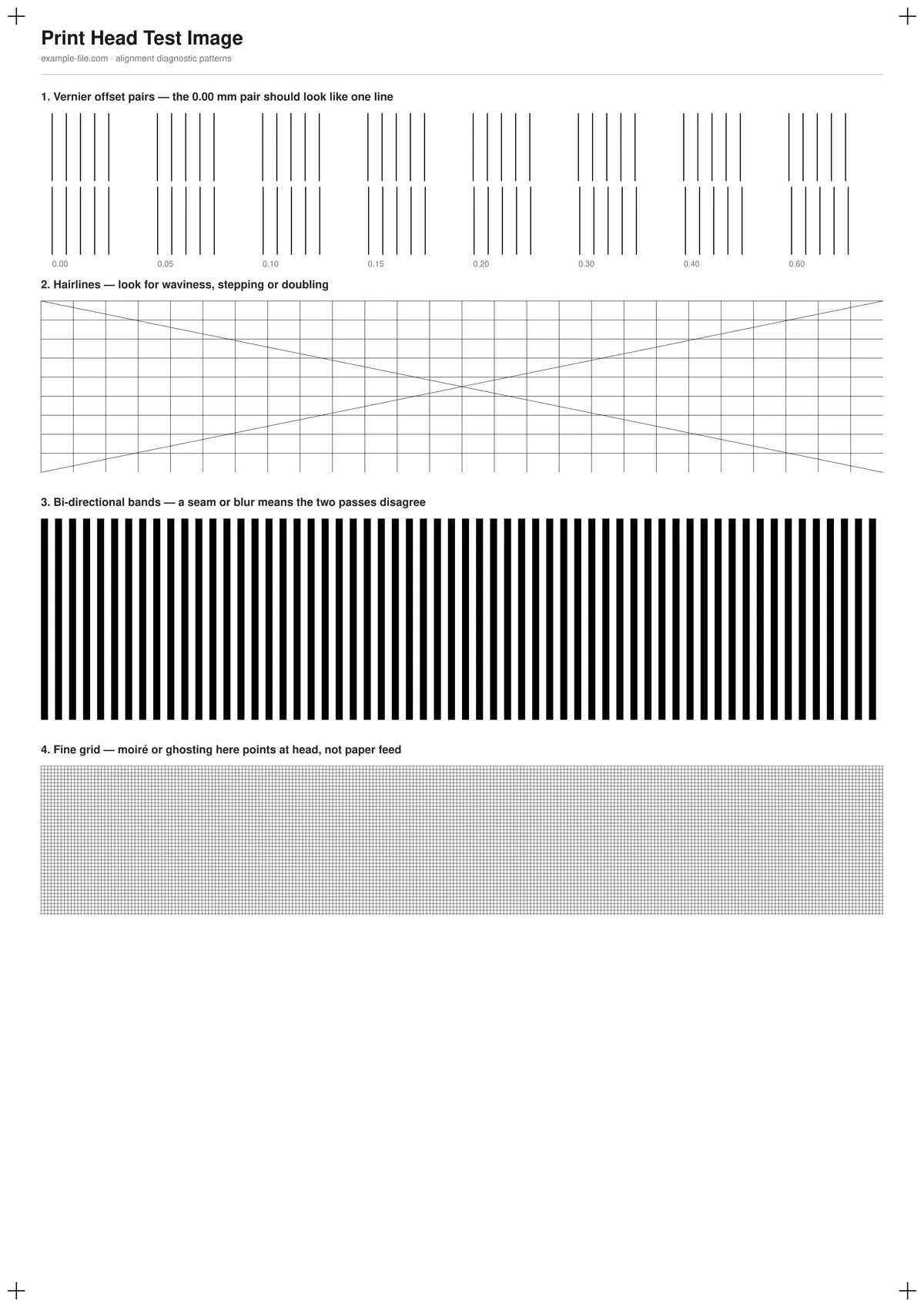
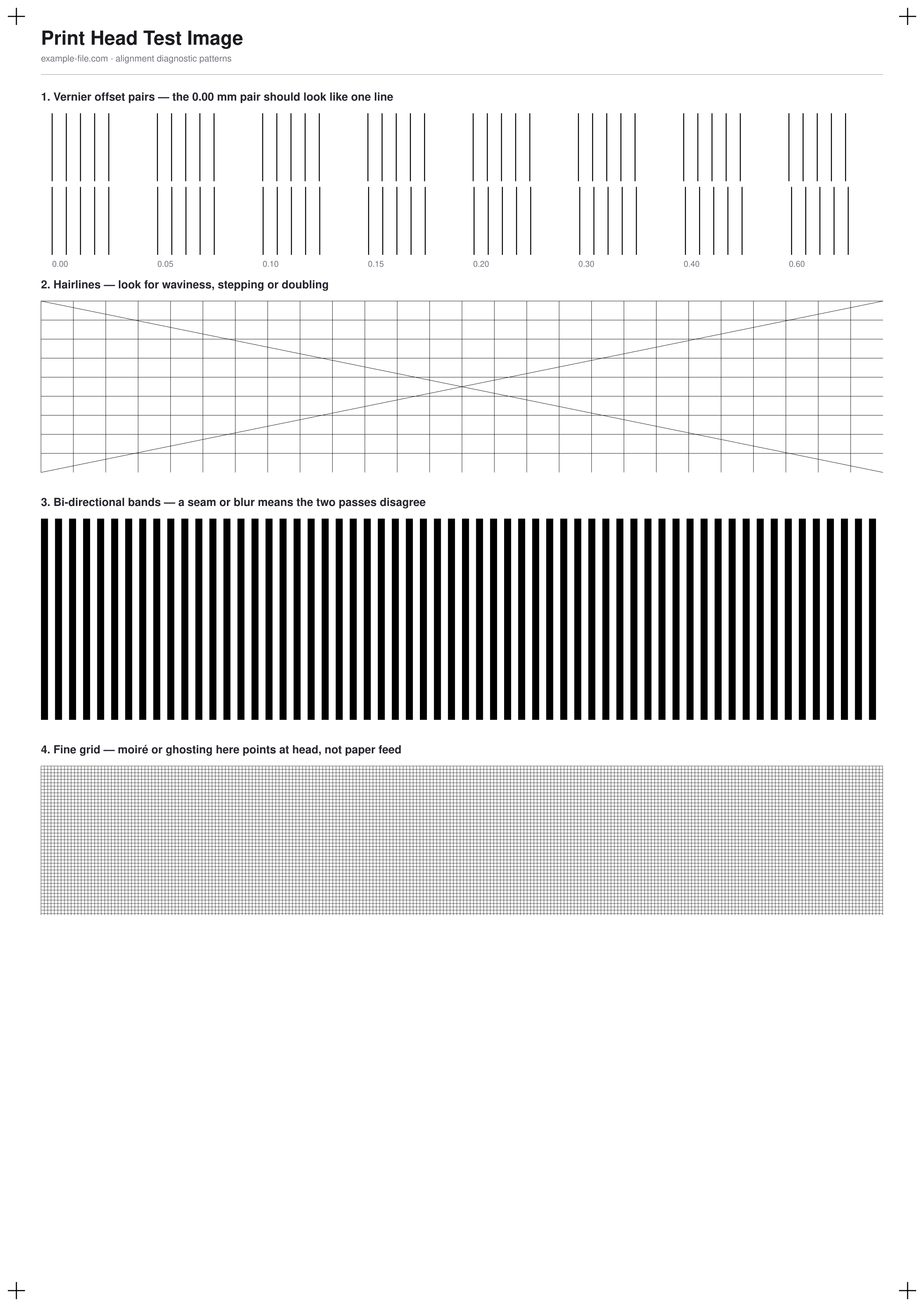
A one-sheet check for the classic symptoms of a misaligned print head: doubled or ghosted text, wavy vertical lines, and seams in solid fills. Four patterns make the problem measurable instead of a vague impression: vernier line pairs at known offsets from 0 to 0.6mm (the 0.00 pair should look like a single line), hairlines running in three directions, dense bi-directional bands that expose forward/reverse pass disagreement, and a fine grid where moiré or ghosting points at the head rather than the paper feed.
What these files actually are
This sheet diagnoses; it does not calibrate. Alignment itself is corrected by your printer's own utility (usually under Maintenance → Print Head Alignment), because only the printer can lay rows down with deliberately different head timings and store your choice. The honest workflow is: print this page, run the utility if you see doubling or waviness, then reprint this page to confirm the fix actually took.
-
Downloadprint-head-alignment-a4.pdfPDF · 5.5 KB VirusTotal report
-
Downloadprint-head-alignment.pngPNG · 229 KB VirusTotal report
Are these files safe to download?
Every sample file is generated by us — no executable code, no macros. Files are served over HTTPS from our CDN, each with a SHA-256 checksum so you can verify your download and a link to an independent VirusTotal scan report.
Check this site independently:
How to print this test sheet
- Print at 100% scale ("Actual size") on plain paper with draft mode off - draft mode introduces its own artifacts and will muddy the result.
- Look at the vernier pairs first: if the 0.00mm pair looks doubled while another pair looks like a single line, your head is offset by roughly that pair's labeled amount.
- Check the hairlines for waviness or stepping, and the bi-directional bands for a repeating seam or blur.
- If any pattern fails, run the printer's own alignment utility from its driver or maintenance menu, then print this page again to verify.
- If the page still fails after two alignment runs, the cause is more likely mechanical - a loose carriage, worn belt, or paper-feed problem - than something software can fix.
Common use cases
After replacing a cartridge or printhead
New cartridges seat slightly differently; a quick before/after print confirms the automatic alignment routine actually corrected for it.
Text looks doubled or fuzzy
Distinguish true head misalignment from low-quality mode, damp paper, or a driver resolution setting before you start disassembling anything.
After moving or servicing the printer
Transport can shift the carriage mechanics. One sheet verifies the head still lands where the printer thinks it does.
Verifying a repair
Print the same page before and after a belt/carriage fix so you have an objective comparison rather than a memory of how bad it looked.
Frequently asked questions
- Is this the same as the alignment page my printer prints itself?
- No, and it can't replace it. The printer's own utility prints rows with deliberately different internal timings and stores the one you pick. This sheet is the independent before/after check: it shows whether alignment is off and whether the utility's correction actually worked.
- Which pattern matters most?
- The vernier pairs give you a number: whichever labeled pair looks most like a single solid line approximates your current head offset. The other patterns confirm the direction and rule out paper-feed causes.
- Does this work for laser printers?
- Partially. Lasers have no moving inkjet head, so the vernier and bi-directional patterns rarely fail - but the hairlines and grid still expose skewed paper feed and registration problems on color lasers.
More printer test images
- Print Head Test Image — Free Alignment Diagnostic Sheet (PDF/PNG)
- Ink Test Page — Free Printable Ink Coverage Test (PDF/PNG)
- Printer Test Image — Free Printable Test Page (PDF/PNG)
- Printer Sharpness Test Image — Free Fine-Detail Chart (PDF/PNG)
- Inkjet Printer Test Image — Free Nozzle Check Pattern (PDF/PNG)