Inkjet Printer Test Image (Nozzle Check)
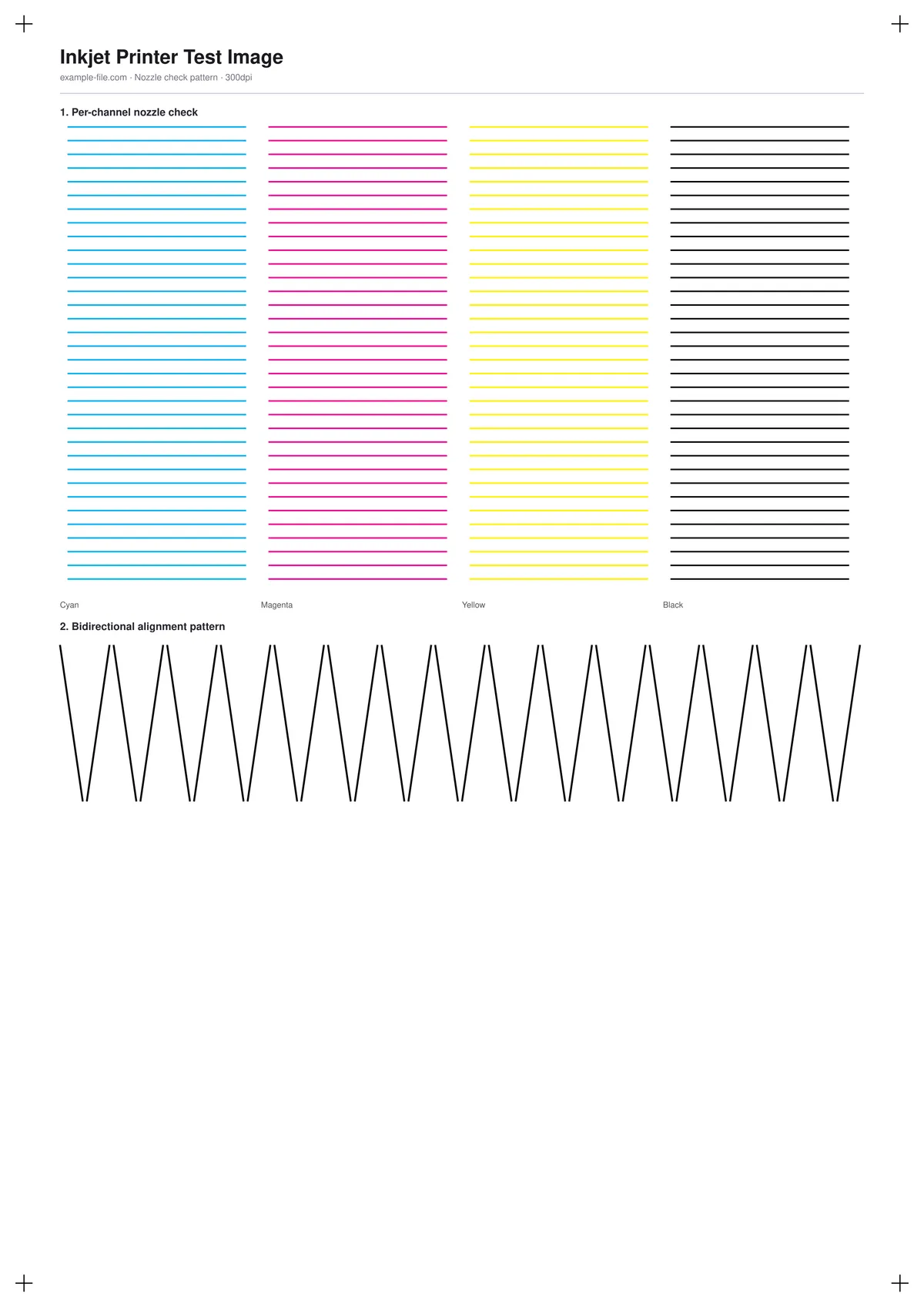
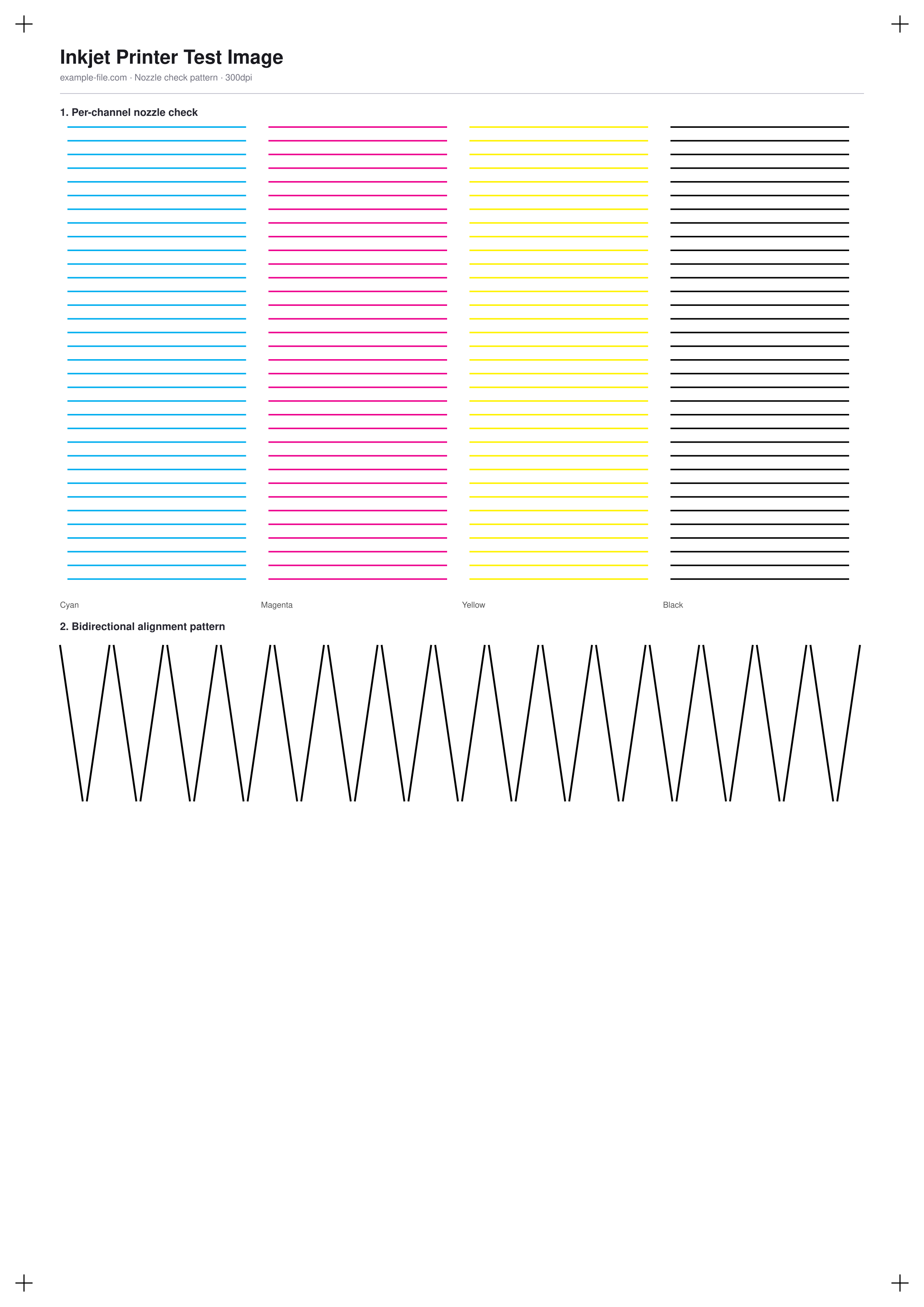
A diagnostic pattern built specifically for inkjet printers: a block of fine parallel lines in each of cyan, magenta, yellow, and black, where a gap or faint line points to a clogged nozzle in that channel, plus a bidirectional alignment staircase pattern for spotting print-head misregistration between left-to-right and right-to-left passes.
What these files actually are
The PDF's nozzle-check lines are drawn with pdf-lib's true DeviceCMYK color operator, one draw color per ink channel - not an RGB approximation. This is a simplified, printer-agnostic version of the concept behind a manufacturer's built-in nozzle check page, not a reproduction of any specific printer brand's proprietary test pattern.
-
Downloadnozzle-check-pattern-a4.pdfPDF · 3.3 KB VirusTotal report
-
Downloadnozzle-check-pattern.pngPNG · 208 KB VirusTotal report
Are these files safe to download?
Every sample file is generated by us — no executable code, no macros. Files are served over HTTPS from our CDN, each with a SHA-256 checksum so you can verify your download and a link to an independent VirusTotal scan report.
Check this site independently:
How to print this test sheet
- Print at 100% scale on plain paper - this is a diagnostic pattern, not a color-accuracy test, so paper choice matters less here.
- Check each of the four color blocks for gaps, faint lines, or lines that fade partway across - any of these usually means a clogged or partially clogged nozzle in that channel.
- If you find a problem, run your printer's built-in cleaning cycle and reprint this page to confirm the fix before doing more cleaning cycles than necessary.
- For the alignment pattern, look for any visible zigzag or misalignment where the diagonal segments should meet - consistent misalignment usually points to a head-alignment utility being needed.
- This page focuses on mechanical print-head health, not color accuracy - see the color printer test page or CMYK chart for that.
Common use cases
Diagnosing streaky or faded prints
Run this pattern first when a printer starts producing streaky, faded, or incomplete output, to check whether a clogged nozzle is the cause before assuming it's a cartridge or driver problem.
Post-cleaning-cycle verification
Reprint the pattern after running a nozzle-cleaning cycle to confirm it actually cleared the clog, rather than guessing from regular print output.
Long-term storage check
After a printer has sat unused for weeks or months, this test quickly reveals whether ink has dried and clogged any nozzles before starting a real print job.
Print-head alignment verification
Confirm whether a printer needs its head-alignment utility run, by checking whether the staircase pattern lines up cleanly.
Frequently asked questions
- Does this replace my printer's built-in nozzle check function?
- Not exactly - most inkjet printers have a built-in nozzle check that also verifies internal firmware-level diagnostics this page can't access. This page is useful when you want a quick check without hunting through printer menus, or want a printable record to compare over time.
- One channel shows gaps even after cleaning - what now?
- Repeated cleaning cycles use ink without guaranteeing a fix. If gaps persist after two or three cleaning cycles, the issue is more likely a hardware problem (dried ink deep in the head, or a failing print head) that software cleaning can't resolve.
- Is this pattern specific to any printer brand?
- No - it's a simplified, generic version of the nozzle-check concept that works as a diagnostic on any inkjet printer, rather than reproducing a specific manufacturer's exact proprietary pattern.