Laser Printer Test Image (Halftone & Toner)
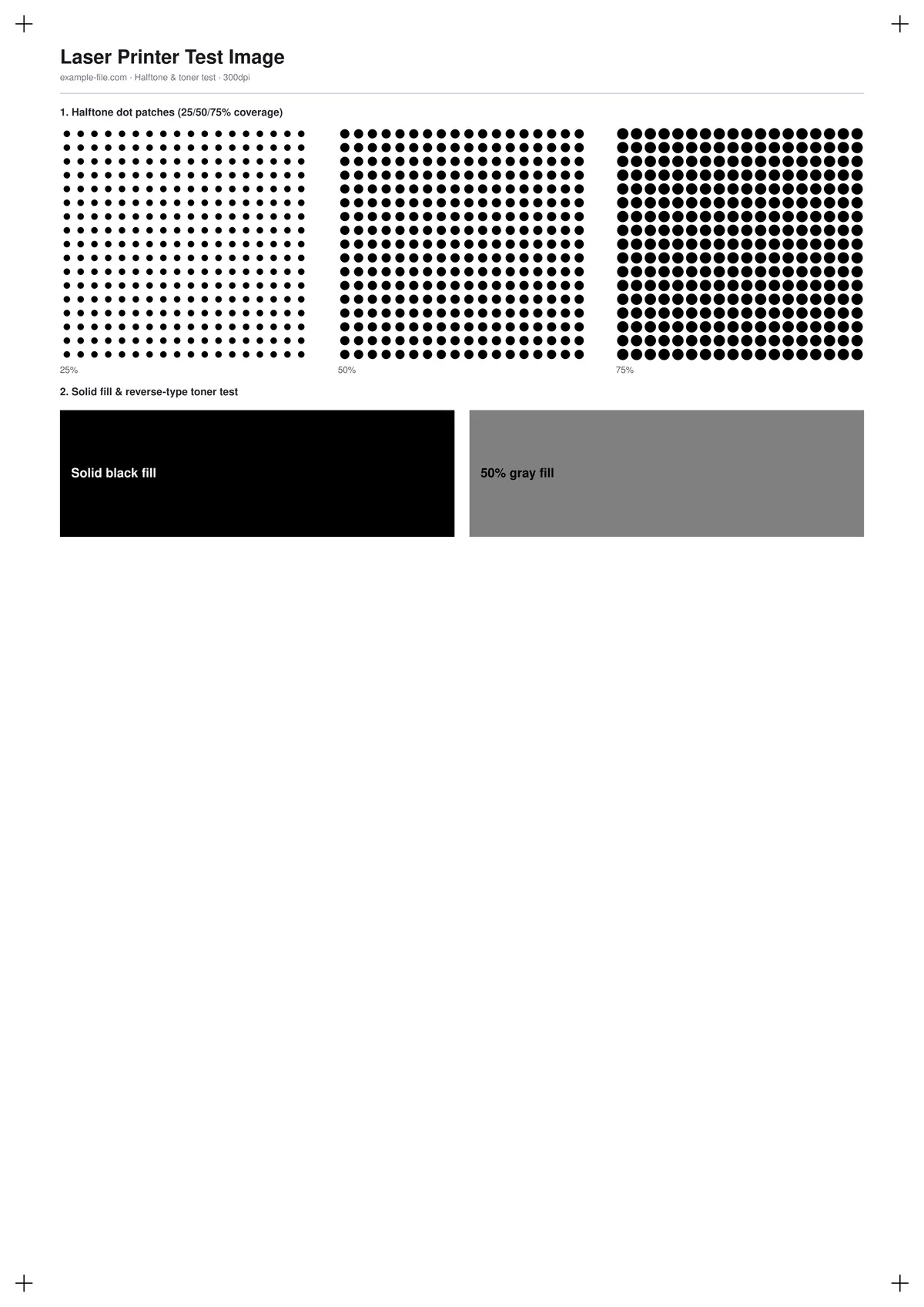
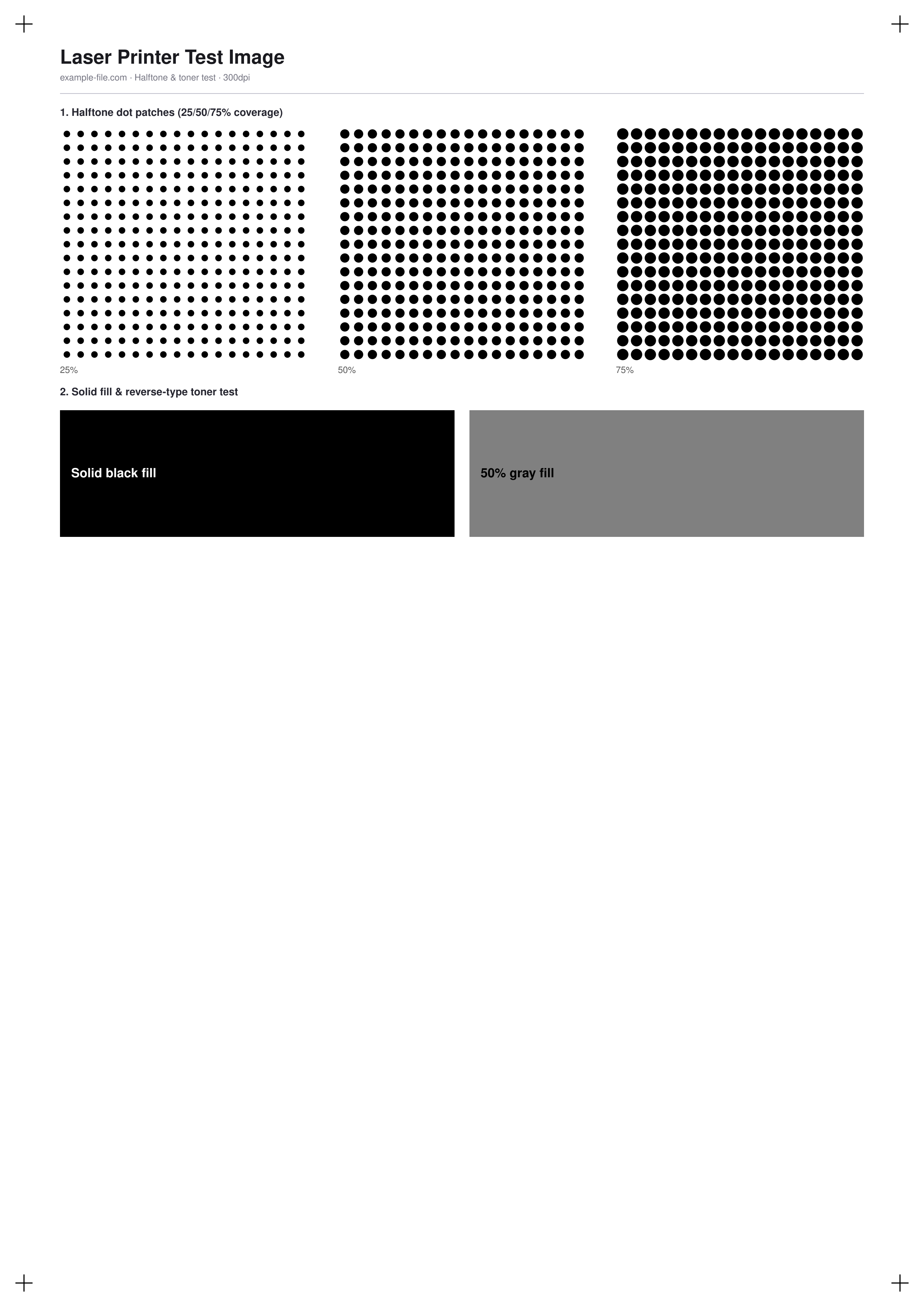
A test sheet aimed at the failure modes specific to laser printers: three AM-halftone dot patches at 25%, 50%, and 75% coverage for checking dot consistency and moire, plus a large solid black fill and a 50% gray fill to check toner fusing, streaking, and even coverage across a full page width.
What these files actually are
The halftone patches are built from real vector circles (one per simulated dot), sized to approximate genuine AM-screen dot growth at each coverage level, not a bitmap texture standing in for one. Both the PDF and PNG are generated fresh with pdf-lib and Sharp.
-
Downloadhalftone-toner-test-a4.pdfPDF · 29 KB VirusTotal report
-
Downloadhalftone-toner-test.pngPNG · 140 KB VirusTotal report
Are these files safe to download?
Every sample file is generated by us — no executable code, no macros. Files are served over HTTPS from our CDN, each with a SHA-256 checksum so you can verify your download and a link to an independent VirusTotal scan report.
Check this site independently:
How to print this test sheet
- Print at 100% scale on plain paper - toner fusing issues show up regardless of paper stock, so a specialty paper isn't necessary here.
- Check the three halftone patches for consistent dot size and spacing within each patch - irregular or merging dots can indicate a drum or fuser problem.
- Look at the solid black fill for streaking, especially vertical lines running the length of the page, which often points to a scratched or worn drum.
- Run a fingernail lightly over the solid fill after it's cooled - toner that flakes or smears easily suggests a fuser temperature or timing problem.
- For fine-detail sharpness beyond toner coverage, see the printer sharpness test image.
Common use cases
Streaking and banding diagnosis
Use the solid fill and halftone patches together to distinguish a drum-related streaking problem from a toner-density or fuser issue.
Toner cartridge replacement check
Print this sheet after swapping a toner cartridge or drum unit to confirm even coverage before running a real job.
Moire and dot-gain inspection
Check the halftone patches for moire patterns or excessive dot gain, which matter most for reproducing scanned or halftoned source material.
Fuser performance check
The reverse-text and solid-fill areas reveal whether toner is fully fused to the page or prone to smearing and flaking.
Frequently asked questions
- What's a normal amount of dot variation in the halftone patches?
- Some natural variation in dot edge softness is normal, especially at higher coverage where dots begin to merge. What's not normal is visibly irregular dot placement, missing dots in a regular pattern, or dots that merge unevenly across the patch.
- My printed page has faint vertical lines - what does that mean?
- Consistent vertical streaking, especially visible in the solid black fill, usually points to a scratch or defect on the drum rather than a toner-level or settings issue - it typically won't clear up with a cartridge shake or reseat.
- Is this test relevant to color laser printers?
- The solid-fill and halftone concepts apply to color laser printers too, though this particular chart uses only black. For per-channel color diagnostics on a color laser printer, use the CMYK ink chart instead.