Printer Sharpness Test Image
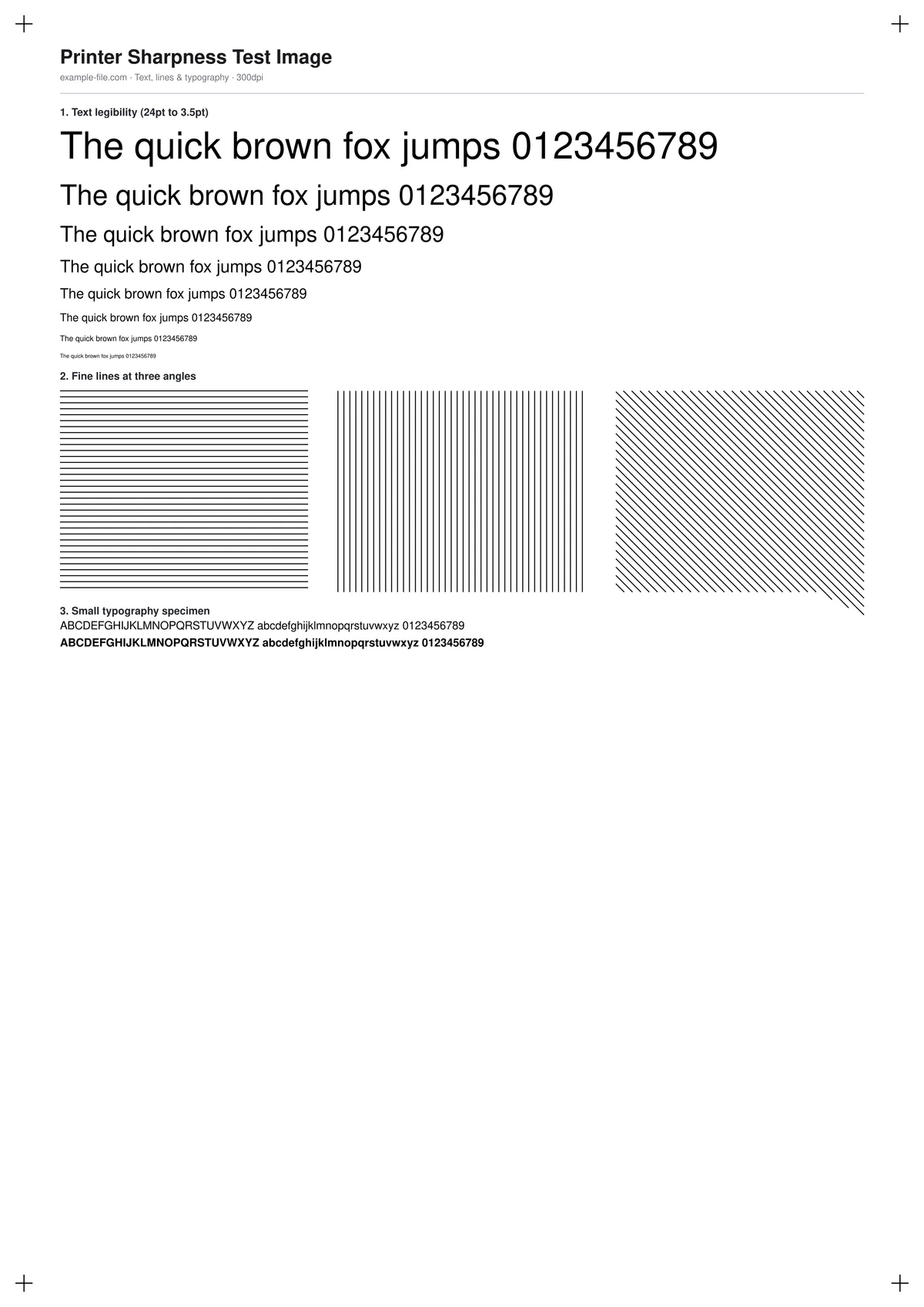
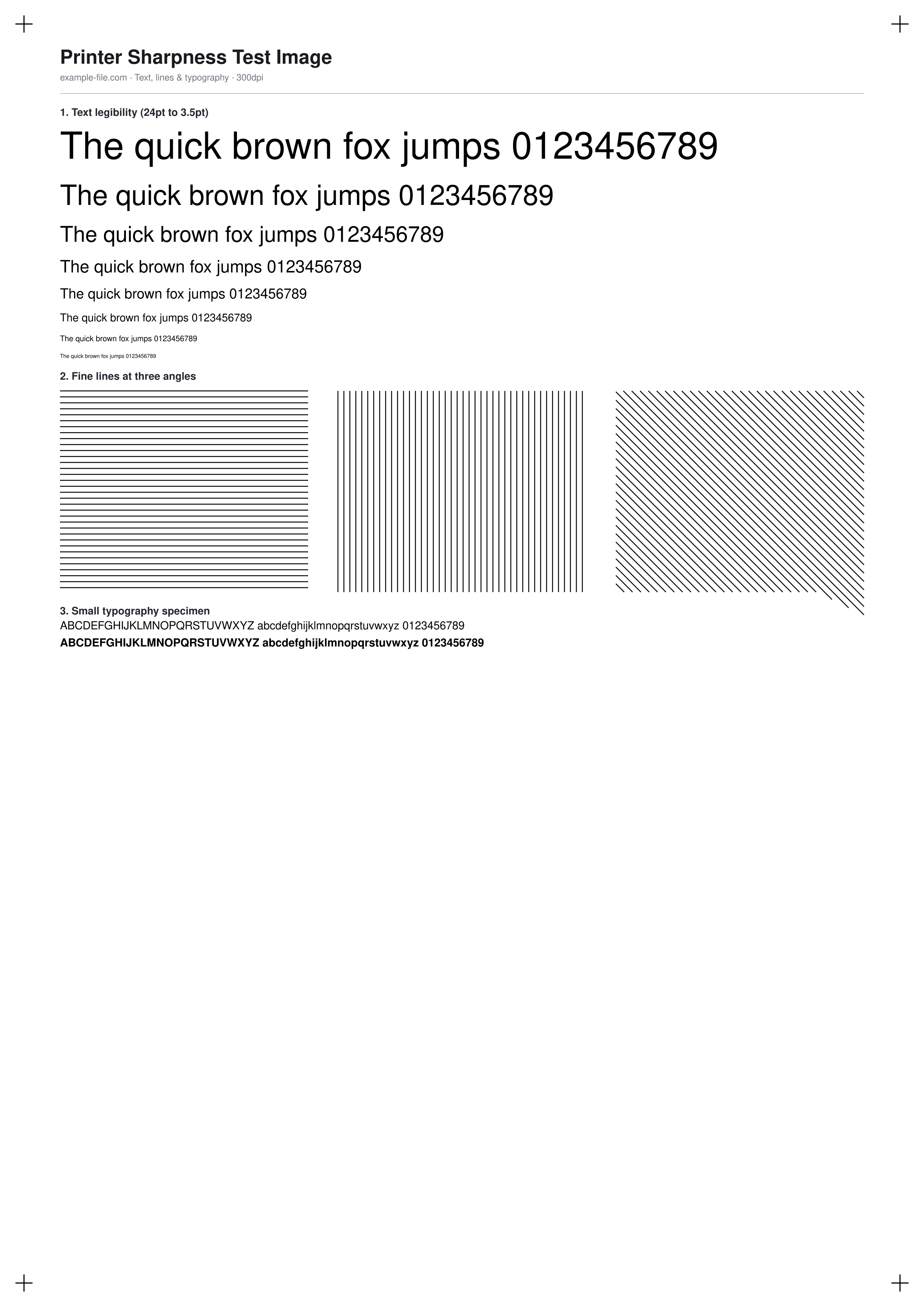
A fine-detail chart covering the three ways sharpness problems usually show up in print: a text-legibility ladder from 24pt down to 3.5pt, a fine-line block testing horizontal, vertical, and 45-degree lines separately (since some printers reproduce one orientation better than another), and a small 8pt typography specimen in both regular and bold weight.
What these files actually are
Every element on this sheet is real vector content - true text and true vector lines drawn with pdf-lib, not a bitmap standing in for sharp detail. The PNG twin is rendered from hand-authored SVG at 300dpi with Sharp.
-
Downloadsharpness-test-a4.pdfPDF · 2.9 KB VirusTotal report
-
Downloadsharpness-test.pngPNG · 251 KB VirusTotal report
Are these files safe to download?
Every sample file is generated by us — no executable code, no macros. Files are served over HTTPS from our CDN, each with a SHA-256 checksum so you can verify your download and a link to an independent VirusTotal scan report.
Check this site independently:
How to print this test sheet
- Print at 100% scale on the paper you'll actually use - fine-detail reproduction can vary meaningfully between plain and coated paper stocks.
- Find the smallest point size in the text ladder that's still fully legible without a magnifier - that's a practical lower bound for body text on that particular printer.
- Compare the three line-angle blocks: if diagonal or vertical lines look noticeably softer than horizontal ones, that often points to a mechanical or firmware limitation specific to that print direction.
- Check the small typography specimen for whether bold and regular weights stay clearly distinguishable at 8pt, which matters for dense documents like manuals or legal text.
- If lines and text both look soft everywhere, check the resolution test image first to rule out a DPI setting issue before assuming it's a hardware limitation.
Common use cases
Choosing a minimum safe font size
Use the text ladder to find the smallest point size your printer reproduces cleanly, before finalizing a document's body text size.
Line-art and technical drawing print check
The multi-angle fine-line block is directly relevant to line-heavy content like schematics, maps, or technical illustrations.
Comparing printers for detail-heavy work
Print the same sheet on multiple printers to compare fine-detail reproduction side by side before choosing one for detail-sensitive jobs.
Print driver sharpening/smoothing settings check
Some print drivers apply their own sharpening or smoothing - use this chart to see the real effect of toggling those settings.
Frequently asked questions
- Why test lines at three different angles instead of just one?
- Many printers - especially inkjets - reproduce horizontal, vertical, and diagonal lines with slightly different sharpness because of how the print head moves and how paper feeds. Testing all three catches directional weaknesses a single-angle test would miss.
- What's a normal smallest legible text size?
- It varies by printer and technology, but most modern inkjet and laser printers should render text down to at least 6pt clearly, with many handling 4-5pt reasonably well. If you can't read 8-9pt cleanly, that's worth investigating further.
- Is this the same as a resolution (DPI) test?
- Related but not identical - this chart focuses on how cleanly a printer renders fine detail it's given, while the print resolution test image focuses on how much detail survives at different DPI settings for the same physical size.