300 DPI Sample Image
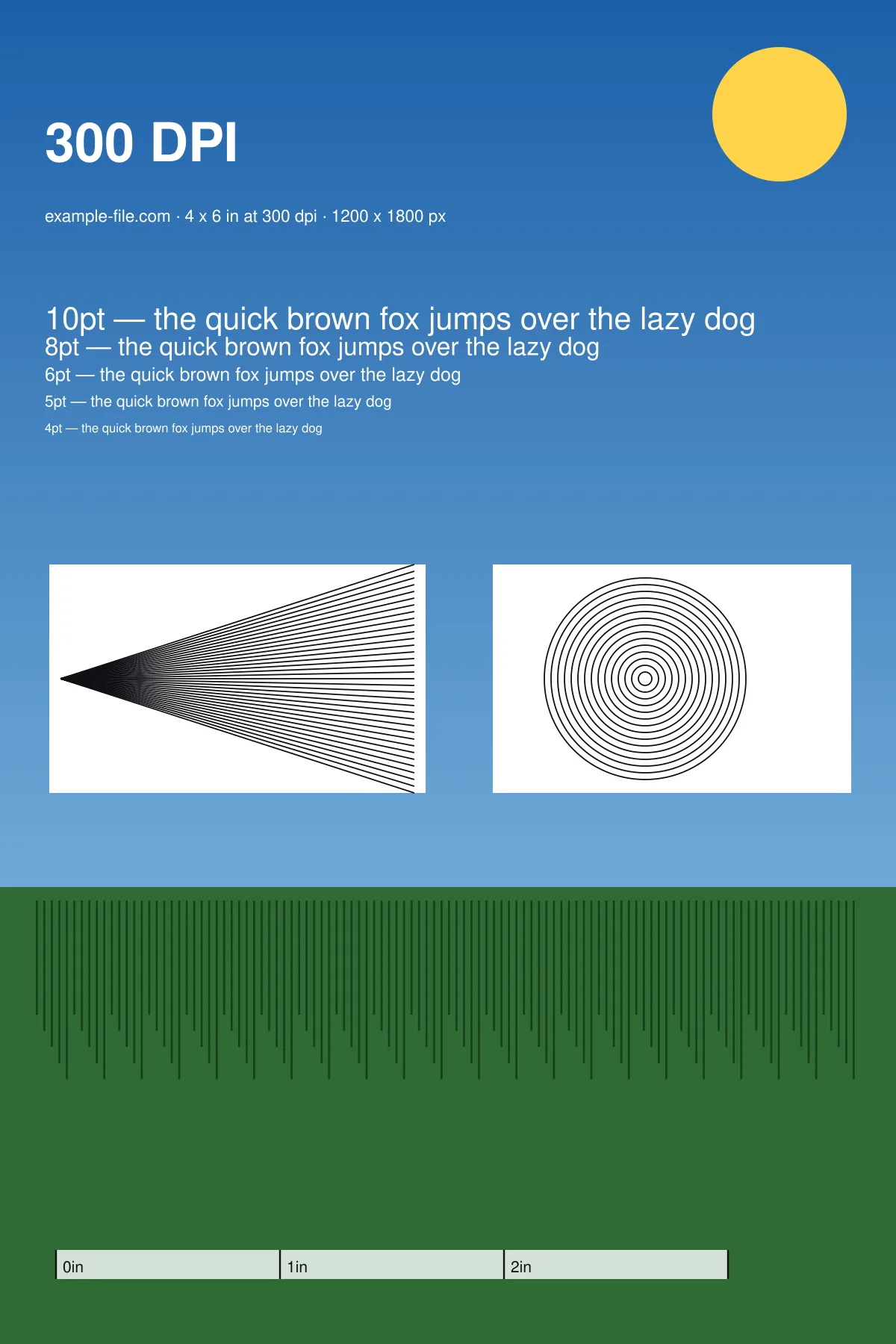
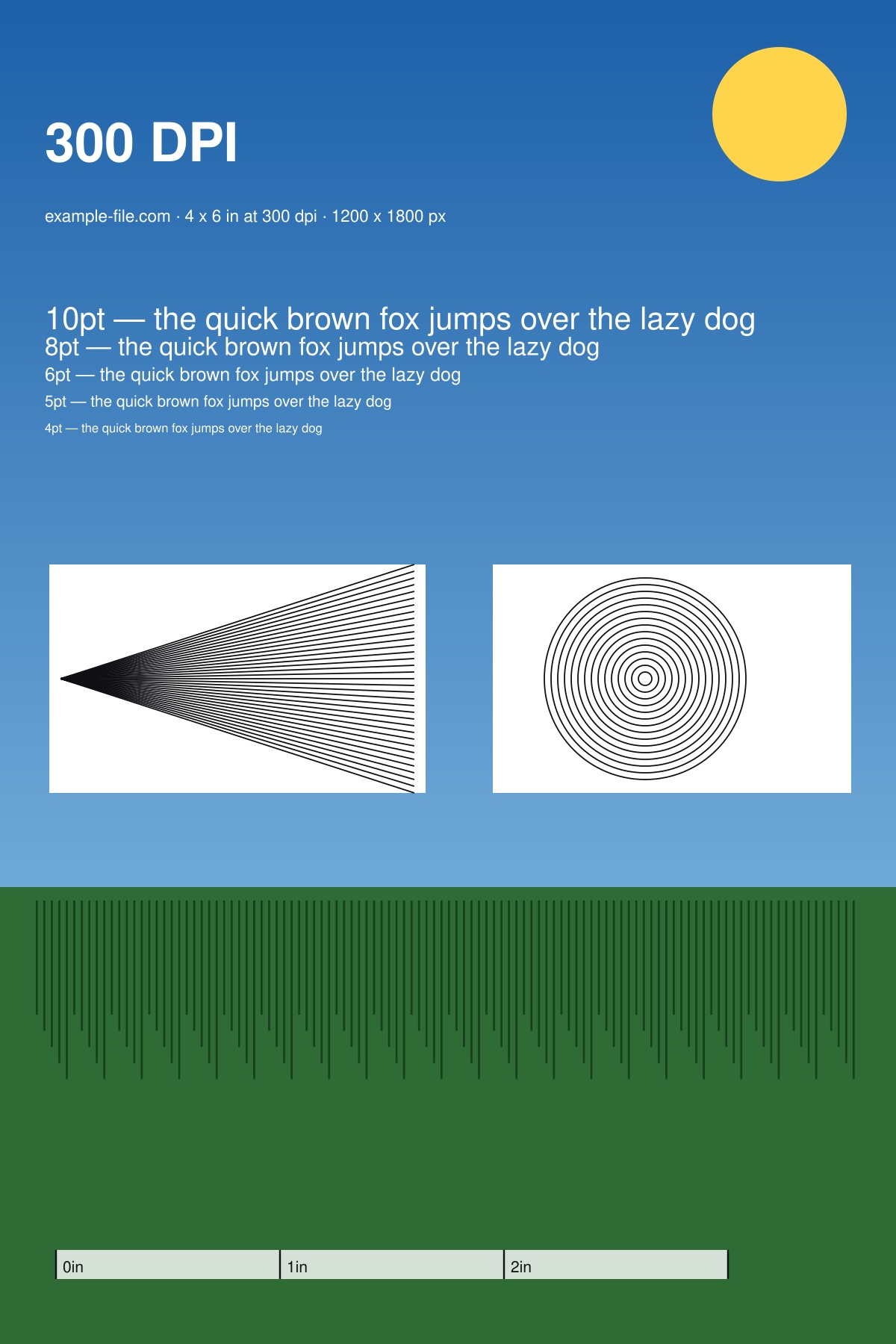
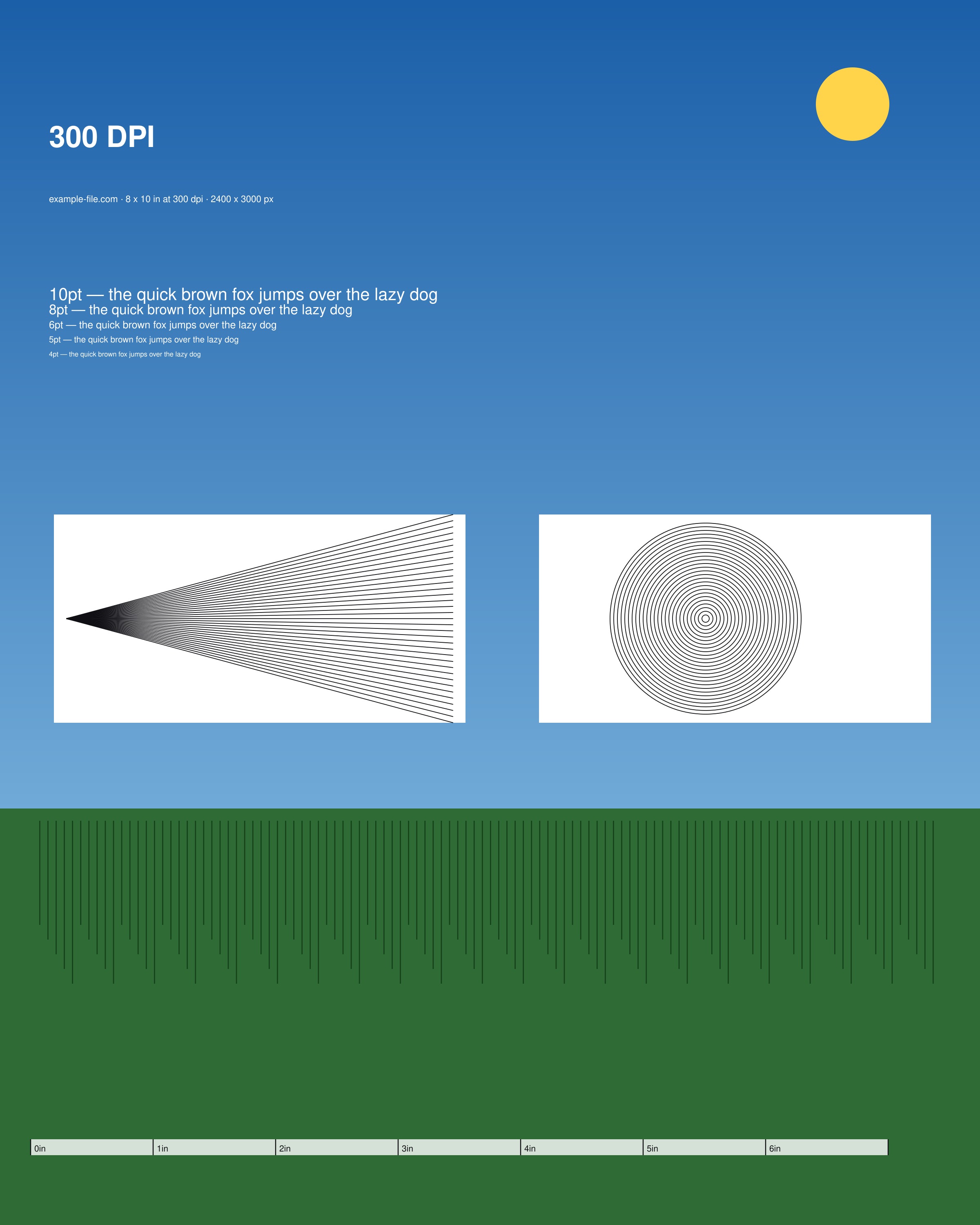
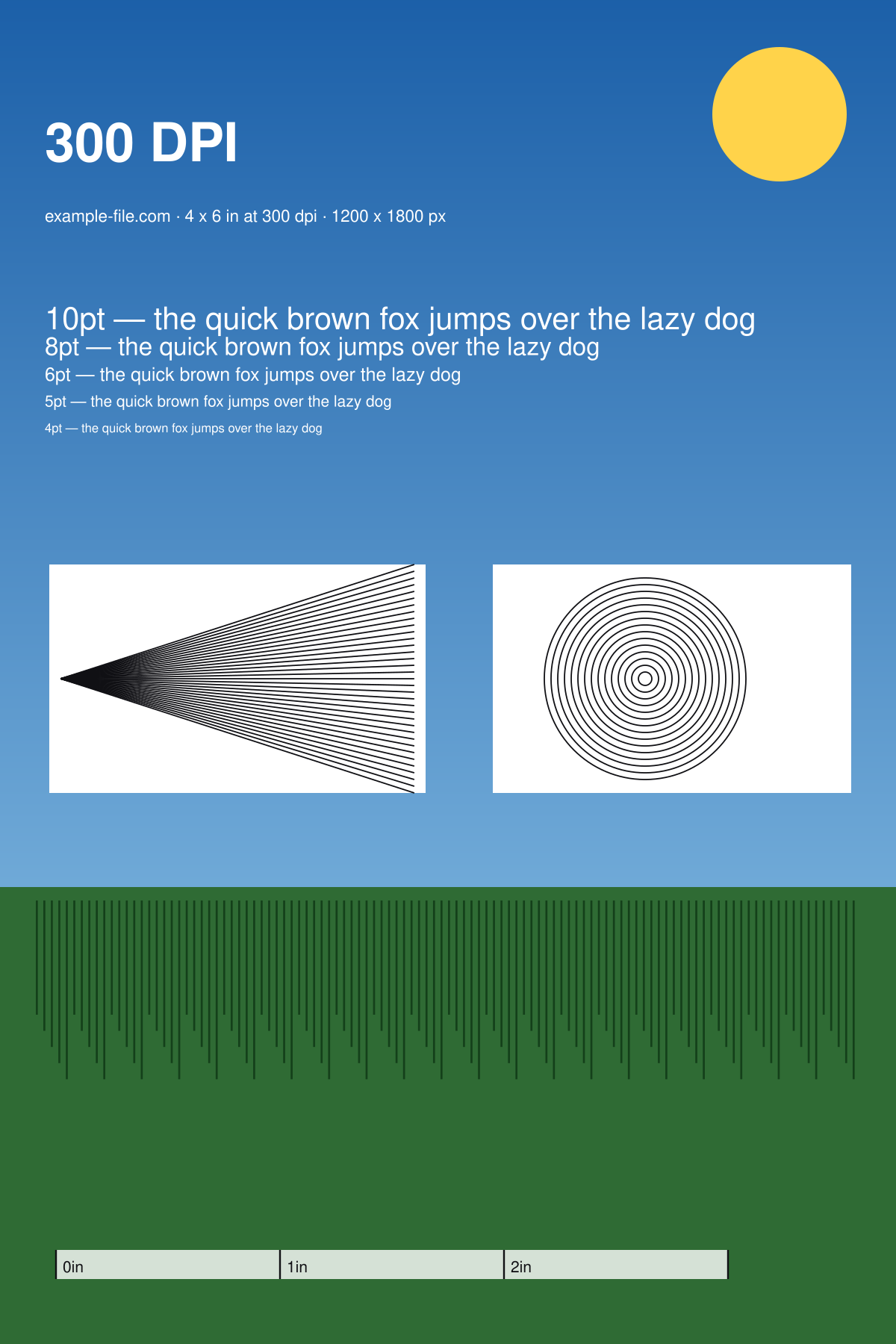
An image that genuinely is 300 DPI at a real print size, for when you need a known-good file rather than a chart about resolution. The 4×6 inch version is exactly 1200 × 1800 pixels; the 8×10 is 2400 × 3000. Both carry correct 300dpi density metadata, a printed inch ruler so you can verify the physical size on paper, a type ladder from 10pt down to 4pt, and a resolving-power block of converging lines and fine rings.
What these files actually are
The DPI metadata is real and was verified after generation: each file reports 300dpi, so a layout tool places it at its intended physical size instead of guessing. This matters more than it sounds - a 1200 × 1800 image that reports 72dpi will be placed at 16.7 × 25 inches by InDesign and look catastrophically soft. The image is rendered natively at 300dpi from vector sources, not upscaled from something smaller, so the fine detail is genuinely there rather than interpolated.
-
Download300-dpi-sample-4x6.jpgJPG · 229 KB VirusTotal report
-
Download300-dpi-sample-8x10.jpgJPG · 470 KB VirusTotal report
-
Download300-dpi-sample-4x6.pngPNG · 201 KB VirusTotal report
Are these files safe to download?
Every sample file is generated by us — no executable code, no macros. Files are served over HTTPS from our CDN, each with a SHA-256 checksum so you can verify your download and a link to an independent VirusTotal scan report.
Check this site independently:
How to print this test sheet
- Print at 100% scale and measure the ruler along the bottom. Each division should measure exactly one inch on paper - if it doesn't, the print was scaled and nothing else on the sheet can be trusted.
- Place the file in InDesign, Affinity Publisher, Word or whatever you use, and check the size it lands at. A correct application will place the 4×6 file at 4 × 6 inches without you touching anything, because that's what the metadata says.
- Check the type ladder. At a true 300dpi, even the 4pt line should be legible on paper - if it's mush, the file was resampled somewhere between here and the printer.
- Look at the converging line fan and the concentric rings. These stay distinct close to the centre at real 300dpi; on an upscaled file they turn into grey haze well before that.
- Use these as a fixture when testing an upload or print pipeline: feed one in, and check that what comes out the other end still reports 300dpi and still measures 4 × 6 inches.
Common use cases
Testing whether a tool preserves DPI metadata
Many pipelines silently strip or rewrite density on upload. Feeding in a known 300dpi file and checking what comes out exposes that in one step.
A known-good file for photo printing
When a 4×6 print comes out soft, you need to know whether the printer or the source was at fault. Printing a file that is definitely 300dpi separates the two.
Checking placement behaviour in layout software
Drop the file into a document and see what size it lands at - a fast way to confirm your app respects density rather than assuming 72dpi.
Explaining DPI to someone
The inch ruler makes the abstract concrete: 300 pixels per inch, printed, measurable with an actual ruler.
Frequently asked questions
- How is this different from the print resolution test image?
- That page is a comparison - the same chart at 72, 150, 300 and 600 dpi so you can see the difference between them. This page is a single known-good artefact: an image that simply is 300dpi at a real print size, for use as a fixture. Use that one to learn what DPI does; use this one when you need a correct file to test something else with.
- Why does my software say this image is 16 inches wide?
- Because it ignored the density metadata and assumed 72dpi (1200 px ÷ 72 = 16.7 in). That's a bug in the software or the import path, not in the file - which is exactly the kind of thing this file is useful for catching. Check the file with `identify -verbose` or Photoshop's Image Size dialog and you'll see it reports 300.
- Is 300 DPI always the right choice?
- For anything held in the hand - photos, brochures, documents - yes, it's the practical standard. For large prints viewed from a distance it's usually overkill: a banner read from ten metres needs a fraction of it. The large format print test image covers that case by viewing distance rather than by habit.
- Why offer both JPG and PNG?
- JPEG is what photo printing services and most upload forms expect, and it's what a real 300dpi photo would be. The PNG is lossless, so it's the better choice when you're testing a pipeline and don't want compression artefacts confused with resolution loss.
More printer test images
- Print Resolution Test Image — 72/150/300/600 DPI Samples (PNG/PDF)
- Photo Printer Test Image — Free Color-Reference Scene (JPG/TIFF)
- Large Format Print Test Image — Free DPI by Viewing Distance (PNG/PDF)
- Printer Sharpness Test Image — Free Fine-Detail Chart (PDF/PNG)
- A4 Printer Test Image — Free Full-Page PDF & PNG Download