Grayscale Printer Test Image
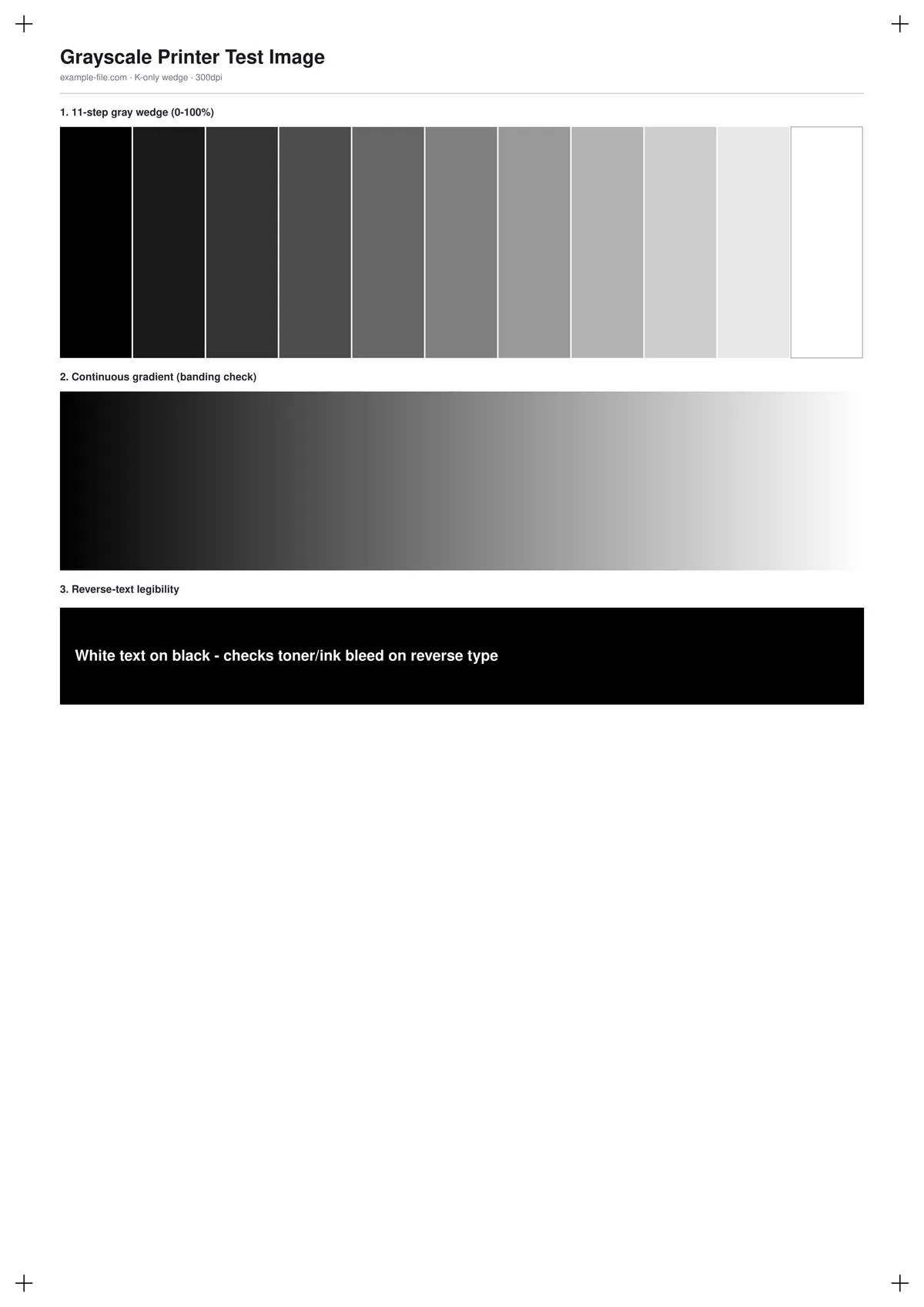
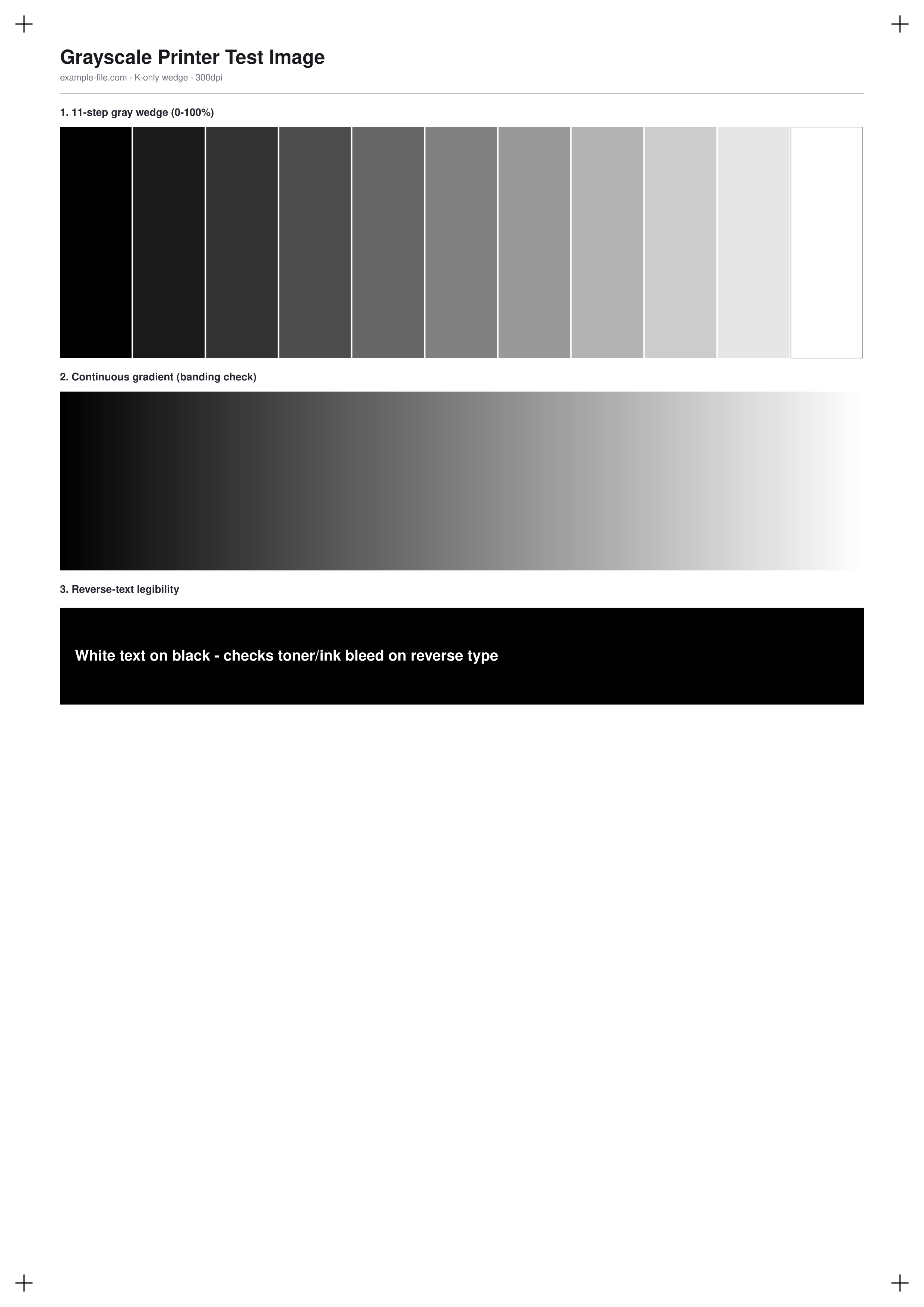
A monochrome test sheet built from three parts: an 11-step gray wedge from 0% to 100% black using true DeviceGray values, a smooth 200-step gradient for spotting banding that a stepped wedge can hide, and a solid black box with reverse white text to check whether toner or ink bleeds into fine reverse type.
What these files actually are
The PDF's wedge and gradient are drawn with pdf-lib's true DeviceGray color operator, not RGB values that merely look gray. The TIFF is converted to a genuine single-channel grayscale file with Sharp (not just a visually gray RGB image), useful for testing print pipelines that expect true grayscale input.
-
Downloadgrayscale-wedge-a4.pdfPDF · 3.9 KB VirusTotal report
-
Downloadgrayscale-wedge.pngPNG · 176 KB VirusTotal report
-
Downloadgrayscale-wedge.tiffTIFF · 103 KB VirusTotal report
Are these files safe to download?
Every sample file is generated by us — no executable code, no macros. Files are served over HTTPS from our CDN, each with a SHA-256 checksum so you can verify your download and a link to an independent VirusTotal scan report.
Check this site independently:
How to print this test sheet
- Print at 100% scale on plain paper for a baseline check before testing on any specialty stock.
- Look at the 11-step wedge first: each step should be visibly distinct from its neighbors, with no two adjacent steps looking identical.
- Then check the smooth gradient for banding - hard visible bands here point to a limited grayscale palette or a driver/dithering issue, not the printer's maximum resolution.
- Check the reverse-text box under good lighting: blurred or filled-in letters usually mean too much toner or ink is being applied to solid black areas.
- If your workflow needs a true single-channel file rather than an RGB image that merely looks gray, use the TIFF.
Common use cases
Monochrome/laser printer setup check
Confirm a black-and-white printer reproduces the full tonal range evenly right after setup or a toner change.
Grayscale print pipeline testing
Use the true single-channel TIFF to test software or hardware pipelines that specifically expect grayscale, not RGB, input.
Reverse-type toner bleed check
Verify that small white text on a solid black background stays crisp rather than filling in, which matters for labels and packaging proofs.
Scanner or copier grayscale test
Print the sheet and scan or photocopy it back to check how well a scanner or copier preserves the tonal steps.
Frequently asked questions
- What's the difference between the PNG and the TIFF?
- The PNG is a standard RGB image where each pixel happens to have equal R, G, and B values. The TIFF is a genuine single-channel grayscale file - useful when a tool or workflow specifically expects true grayscale rather than an RGB image that looks gray.
- How many of the 11 steps should I actually be able to distinguish?
- On a well-functioning printer and under decent lighting, all 11 steps should be visibly distinct from their neighbors. If two or more adjacent steps look identical, that's a sign of limited tonal range or over/under-inking.
- Is this useful for color printers too?
- Yes - printing this on a color printer set to grayscale or black-ink-only mode checks how well it emulates true monochrome output, which is a common real-world use case for reports and documents.