CMYK Printer Test Chart
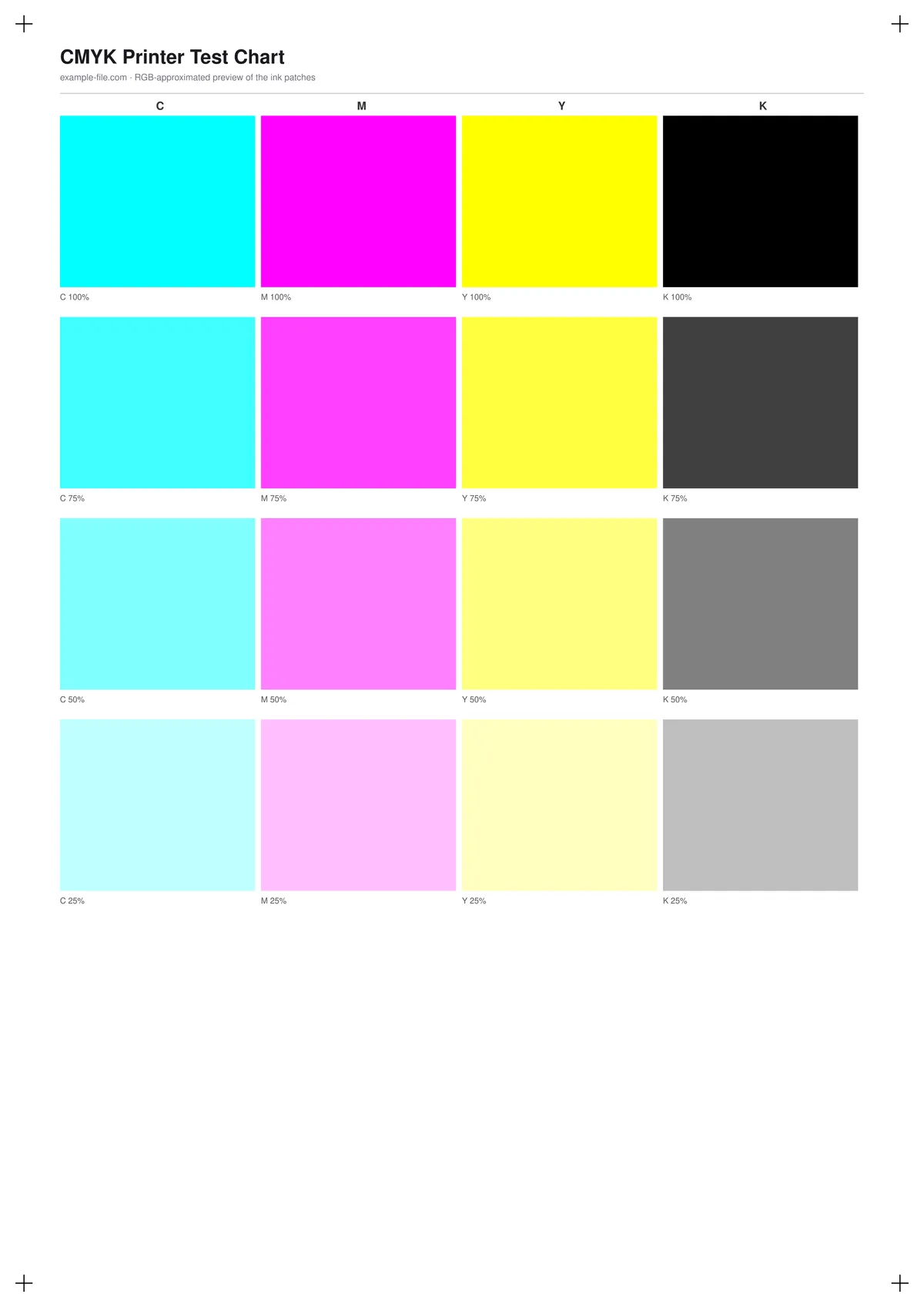
A channel-by-channel ink chart aimed at prepress and print-shop use: 16 patches covering cyan, magenta, yellow, and black at 100%, 75%, 50%, and 25% ink coverage, plus a side-by-side comparison of pure K-only black against a common rich-black mix (60/40/40/100).
What these files actually are
The PDF's patches are drawn with pdf-lib's true DeviceCMYK color operators - the actual ink percentages are embedded in the file and inspectable in Acrobat's Output Preview or any RIP, not approximated. The companion TIFF is a separate raster rendering, converted from an RGB approximation into CMYK color mode for viewers that need an image file rather than a PDF; because a generic RGB source can't distinguish rich black from pure black, that comparison only appears in the PDF.
-
Downloadcmyk-chart-a4.pdfPDF · 2 KB VirusTotal report
-
Downloadcmyk-chart.tiffTIFF · 246 KB VirusTotal report
Are these files safe to download?
Every sample file is generated by us — no executable code, no macros. Files are served over HTTPS from our CDN, each with a SHA-256 checksum so you can verify your download and a link to an independent VirusTotal scan report.
Check this site independently:
How to print this test sheet
- Open the PDF in Acrobat or a RIP with an "Output Preview" / separations view to inspect the actual ink percentages per patch, not just how they look on screen.
- Print at 100% scale on the paper stock you'll actually use - ink coverage and dot gain both change with paper.
- Compare each channel's 100% patch to 75/50/25% - a healthy print should show a smooth, even progression, not sudden jumps.
- The rich black vs. pure black comparison is only meaningful on a physical proof; on any screen, both patches will look like plain black regardless of the underlying ink values.
- If you only need a general color check rather than per-channel ink diagnostics, the color printer test page is a faster starting point.
Common use cases
Print-shop press calibration
Check that a press or proofer reproduces each ink channel's percentage steps accurately before running a full job.
RIP or color-management troubleshooting
Isolate whether a color problem originates in the RIP's separation settings by inspecting the actual CMYK values in the output, not just the visual result.
Rich black vs. pure black decisions
Compare a K-only black against a rich-black mix on your specific paper and press combination before choosing which to use in a design.
Design software CMYK preview testing
Check whether a design tool's on-screen CMYK preview or soft-proofing matches what actually happens when this chart's known values are output.
Frequently asked questions
- Why do the rich black and pure black patches look identical in the PDF preview or the TIFF?
- On any RGB screen, both patches render as visually indistinguishable black - the difference is in the underlying CMYK ink mix, not something a display can show. The PDF's DeviceCMYK values genuinely differ (0/0/0/100 vs. 60/40/40/100) and are readable by any tool that inspects the color data directly.
- Is the TIFF's CMYK conversion calibrated to my printer's ICC profile?
- No - it uses a generic, uncalibrated RGB-to-CMYK conversion. For color-critical prepress work, soft-proof or convert using your specific output profile instead of relying on this file's embedded values.
- Why does 100% ink coverage look lighter than I expected?
- What you see is filtered through your screen and this document's own color handling. Trust the labeled percentage and the PDF's underlying CMYK values over the on-screen appearance, and verify with a real proof when accuracy matters.