Color Printer Test Page
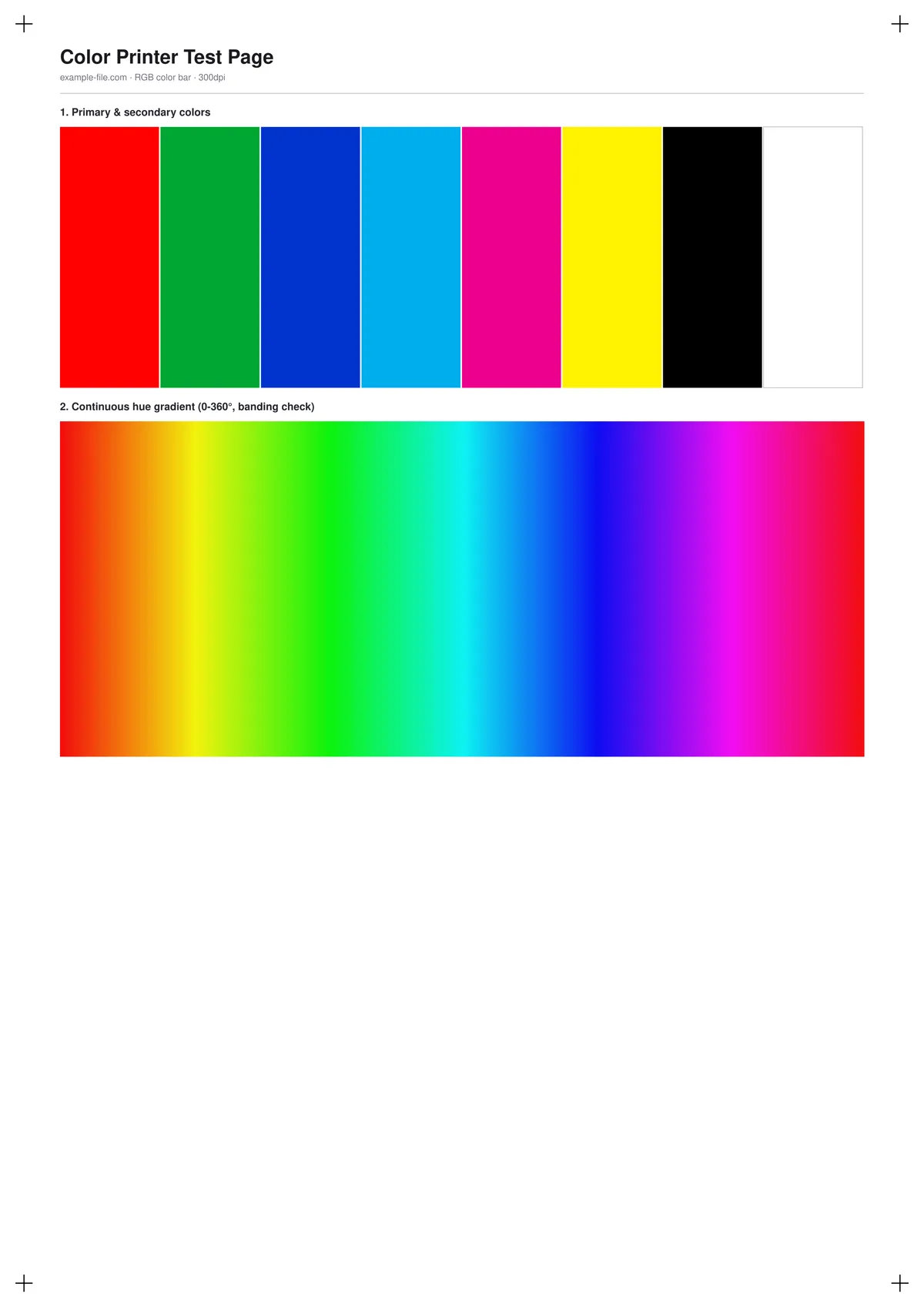
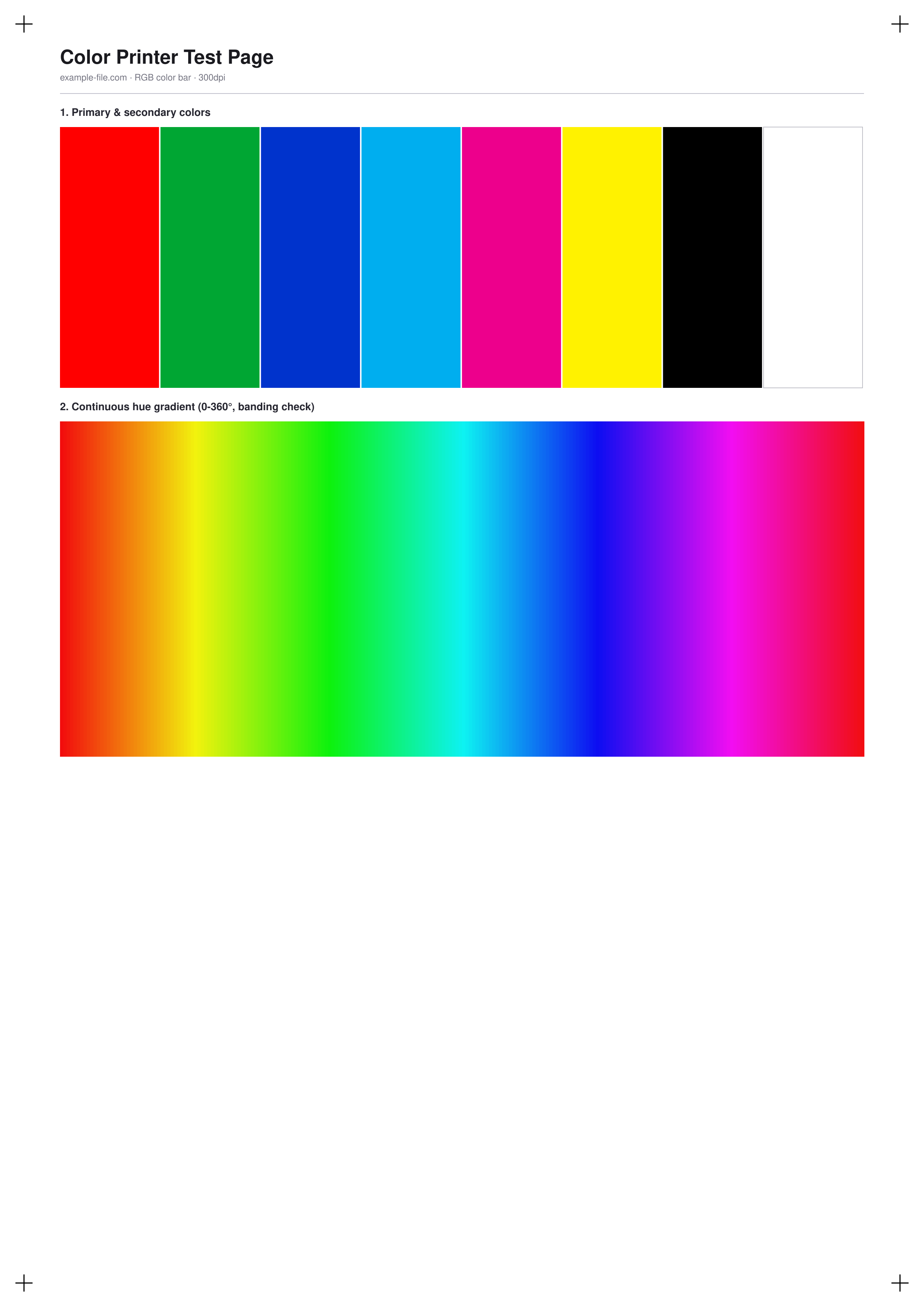
A general-purpose color test page for any color printer, regardless of technology: eight primary and secondary swatches (red, green, blue, cyan, magenta, yellow, black, white) plus a continuous 360° hue gradient made of 180 fine steps, which makes banding or posterization in the gradient easy to spot even when the individual swatches look fine.
What these files actually are
Every file below is a real PDF or PNG generated with pdf-lib and Sharp - genuine vector rectangles and a hand-authored gradient, not a blank placeholder. The PDF page is true A4 size so printing at 100% scale reproduces the swatches and gradient at their intended size.
-
Downloadcolor-bar-rgb-a4.pdfPDF · 3.5 KB VirusTotal report
-
Downloadcolor-bar-rgb.pngPNG · 161 KB VirusTotal report
Are these files safe to download?
Every sample file is generated by us — no executable code, no macros. Files are served over HTTPS from our CDN, each with a SHA-256 checksum so you can verify your download and a link to an independent VirusTotal scan report.
Check this site independently:
How to print this test sheet
- Print at 100% scale ("Actual size"), not "Fit to page" - scaling distorts the gradient's step spacing and can hide banding.
- Turn off automatic color enhancement in the print dialog so you see the printer's raw color reproduction.
- Look at the gradient first: smooth hue transitions with no visible stepping or stripes indicate good color reproduction; hard bands usually point to a driver or color-depth issue.
- Compare the printed white swatch to the paper itself - if it looks tinted, that's a good sign of an overall color cast.
- For a channel-by-channel breakdown instead of an overall color check, see the CMYK ink chart linked below.
Common use cases
General color accuracy check
A quick single-page test to confirm a color printer is producing accurate, even color across its full range before relying on it for real work.
Banding and posterization diagnosis
The continuous hue gradient makes stepping artifacts obvious, which helps isolate whether a color issue is a driver setting or a hardware limitation.
Comparing print modes or paper types
Print the same file in draft vs. best quality, or on different paper stocks, to see the real effect on color accuracy and gradient smoothness.
Classroom or workshop demonstrations
A simple, self-explanatory page for demonstrating color printing concepts without needing specialized calibration software.
Frequently asked questions
- How is this different from the CMYK ink chart?
- This page checks overall color output the way a general user would judge it - by eye, in RGB-ish terms. The CMYK chart isolates each individual ink channel using true device CMYK values, aimed at prepress and print-shop diagnostics.
- Why does the gradient look slightly banded even on a good printer?
- Most consumer printers dither color rather than producing continuous tone, so very fine banding in a smooth gradient can be normal. Look for hard, abrupt bands rather than fine dithering texture.
- Can I use this to calibrate my printer?
- This is a visual diagnostic page, not a calibration tool - it won't generate an ICC profile. It's useful for spotting obvious problems before deciding whether proper calibration is worth the effort.