Display Scaling Blur Test
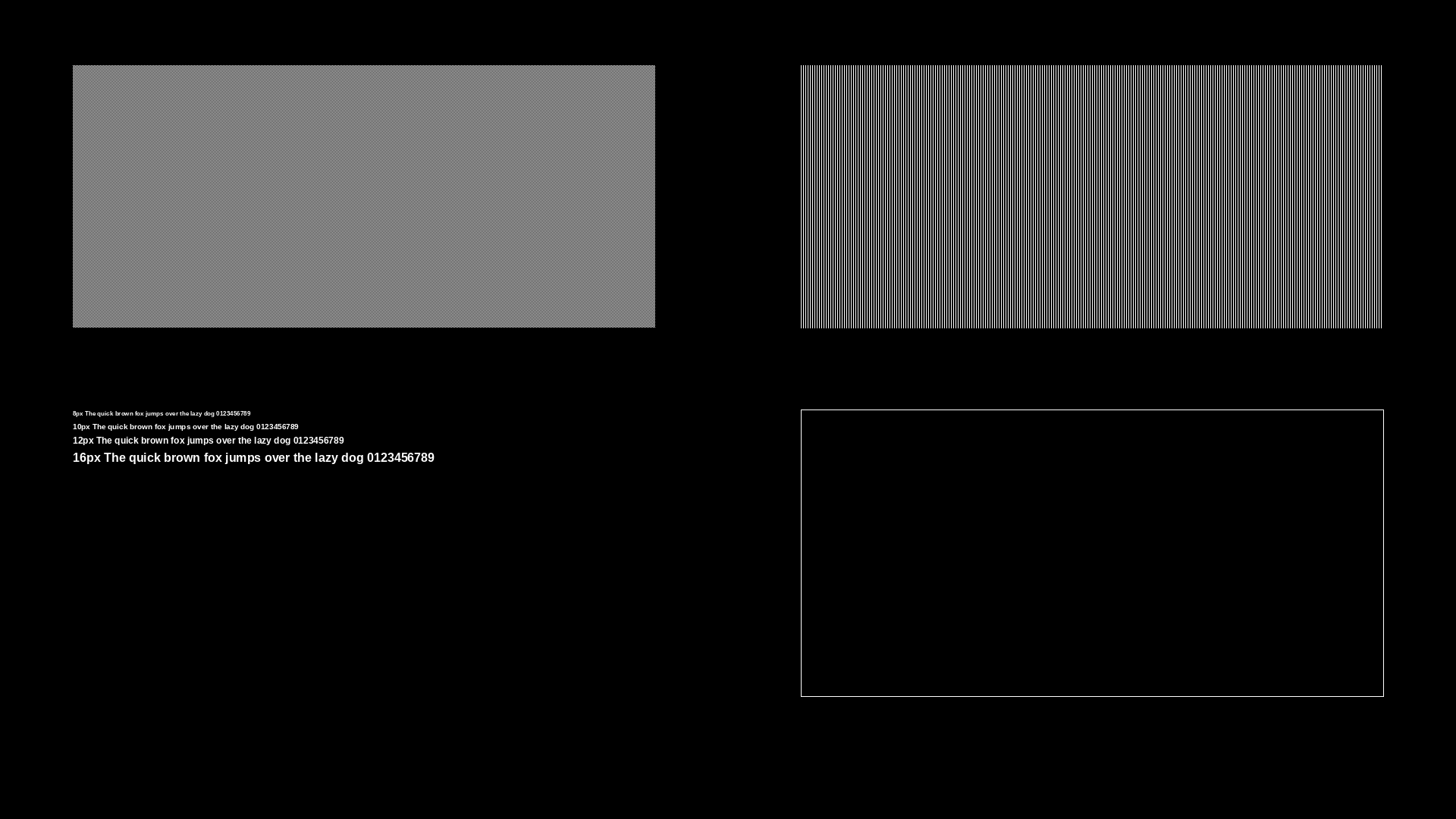
Compare this pattern at 100% OS scaling vs 125/150% - blur means non-integer scaling.
display-scaling-blur-test.png
MP4 · 30 KB
Resolution: 1920x1080
Frame rate: 30fps
Duration: 2m 8s
Format: MP4 (H.264, silent)
VirusTotal report
Are these files safe to download?
Every sample file is generated by us — no executable code, no macros. Files are served over HTTPS from our CDN, each with a SHA-256 checksum so you can verify your download and a link to an independent VirusTotal scan report.
Check this site independently:
Common use cases
Confirming native resolution scaling
Verify your monitor is running at true 1:1 pixel mapping rather than being upscaled or stretched.
Font and ClearType tuning
Check subpixel text rendering after changing scaling or ClearType/font-smoothing settings.
Frequently asked questions
- What should sharp text look like?
- Fine lines and small text should stay crisp with no color fringing; blur or fringing usually means the display is not at native resolution or scaling.
- Does this work on any monitor?
- Yes, though results are most meaningful when the display is set to its native resolution.